
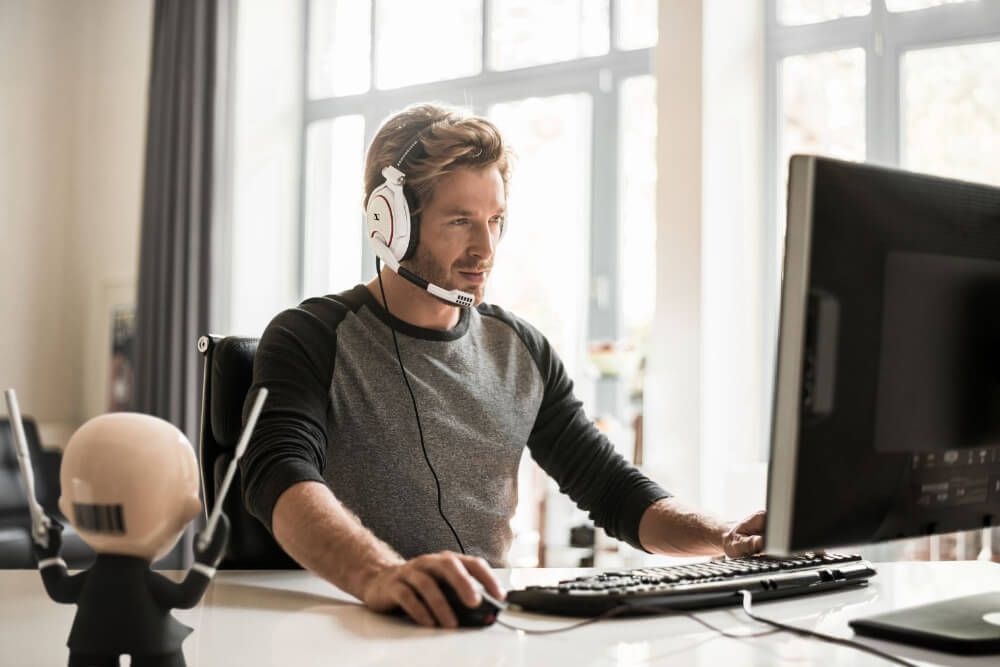
Headphones and microphone
Headphones with a microphone should be connected to your computer. If you use a laptop, it is possible to use headphones and a built -in microphone in a laptop.
To participate in the Zoom conference, speakers need to perform a number of simple steps for a stable online connection.
Главная » Speakers memo: how to connect to zoom
Headphones with a microphone should be connected to your computer. If you use a laptop, it is possible to use headphones and a built -in microphone in a laptop.
Wipe the camera of your computer. Provide an additional light source. Close the windows and the curtains, put all the gadgets on the soundless mode.
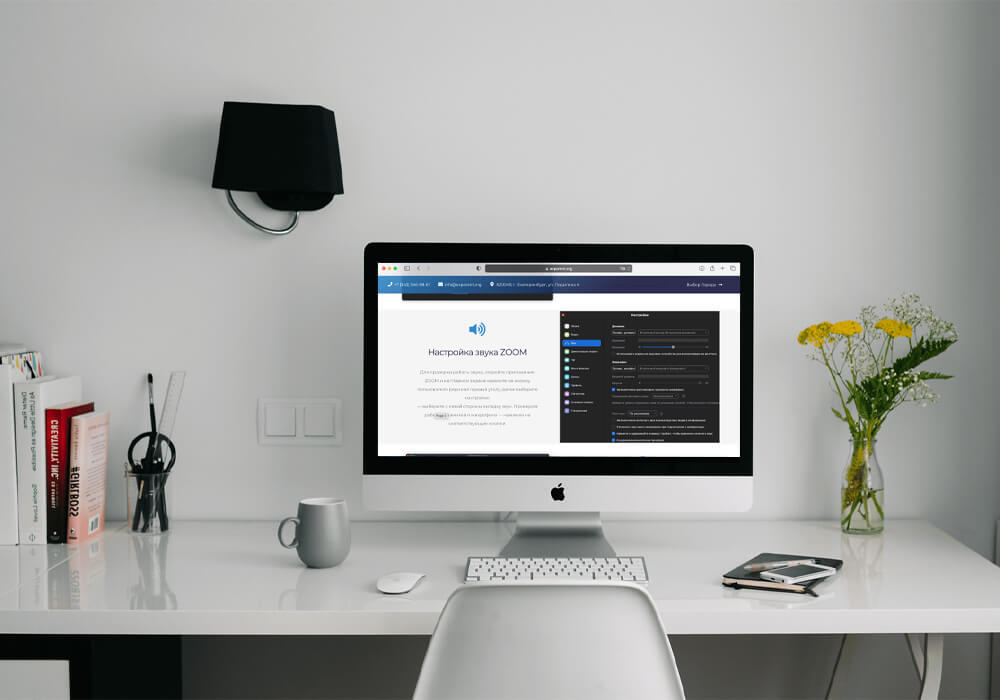
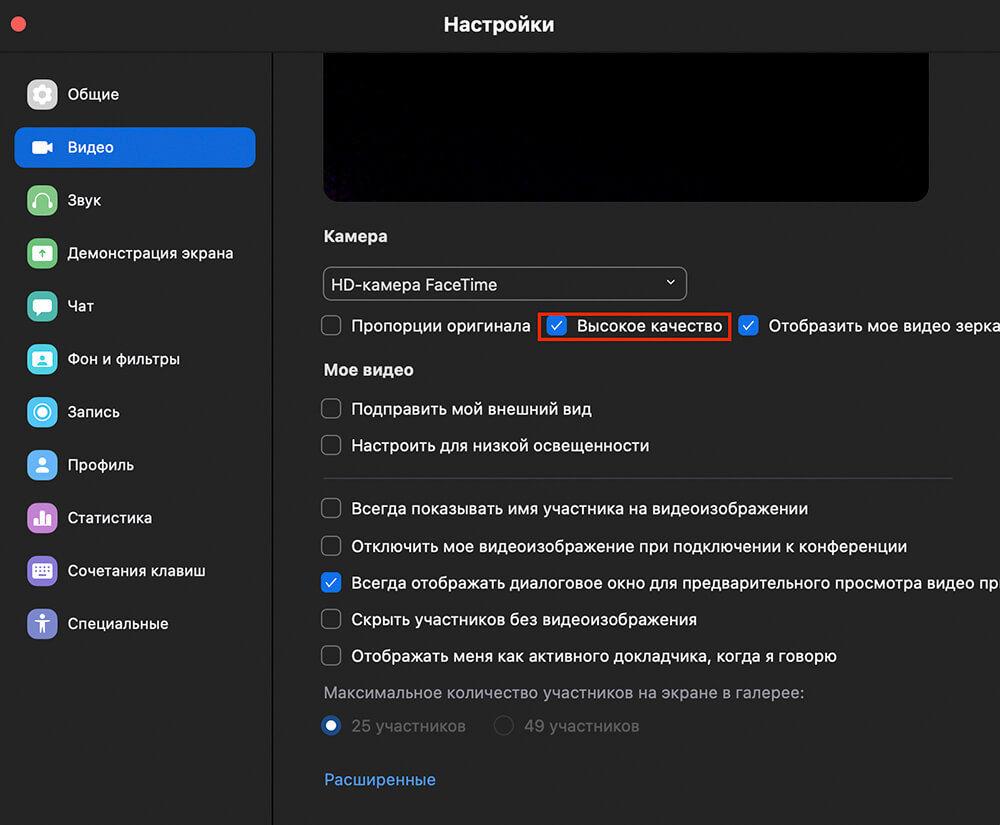
To check the camera’s operation, open the Zoom application and click on the user’s icon (upper right angle) on the main screen, then select the settings:
— Click on the video tab — and make sure you see yourself. Click «High HD resolution».
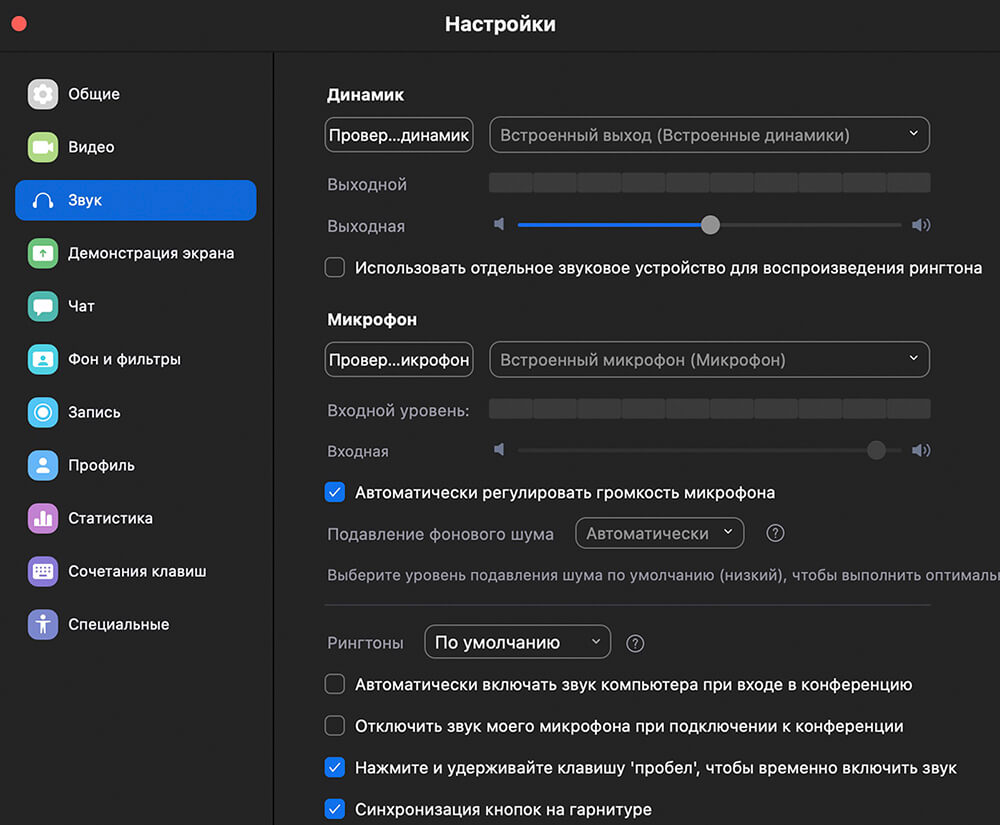
To check the sound of sound, open the Zoom application and click on the user’s icon (upper right angle) on the main screen, then select the settings:
— Select the Sound tab from the left side. Check the work of the speakers and the microphone — by clicking on the corresponding buttons.
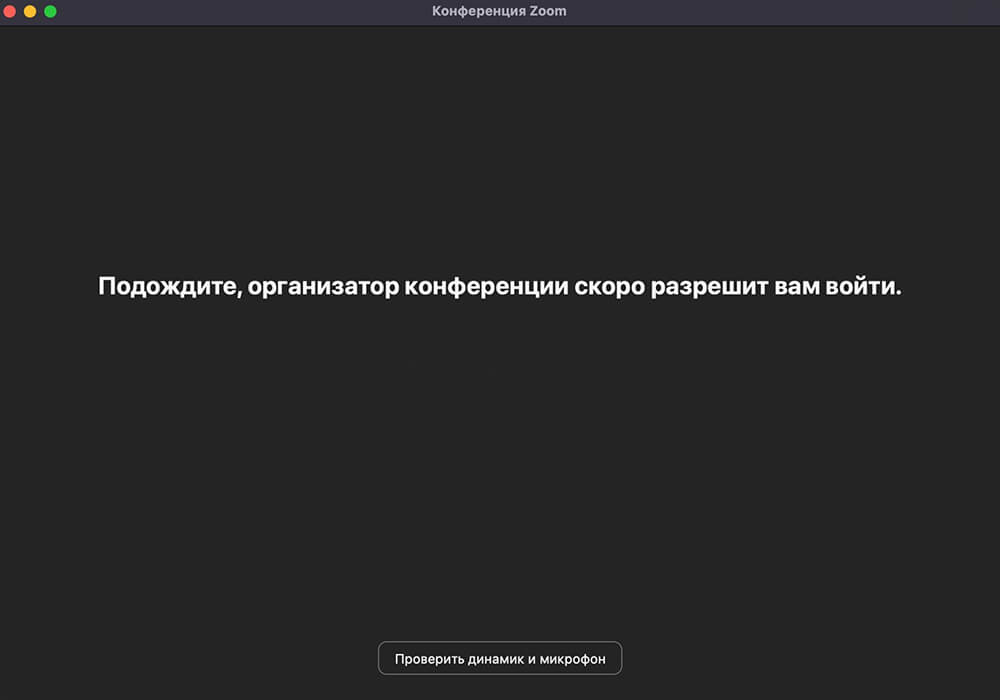
For connection, follow the
link expelled by the organizers and enter the password from the conference.
— Click «Connect with the video»
— Next, «enter the sound of a computer»
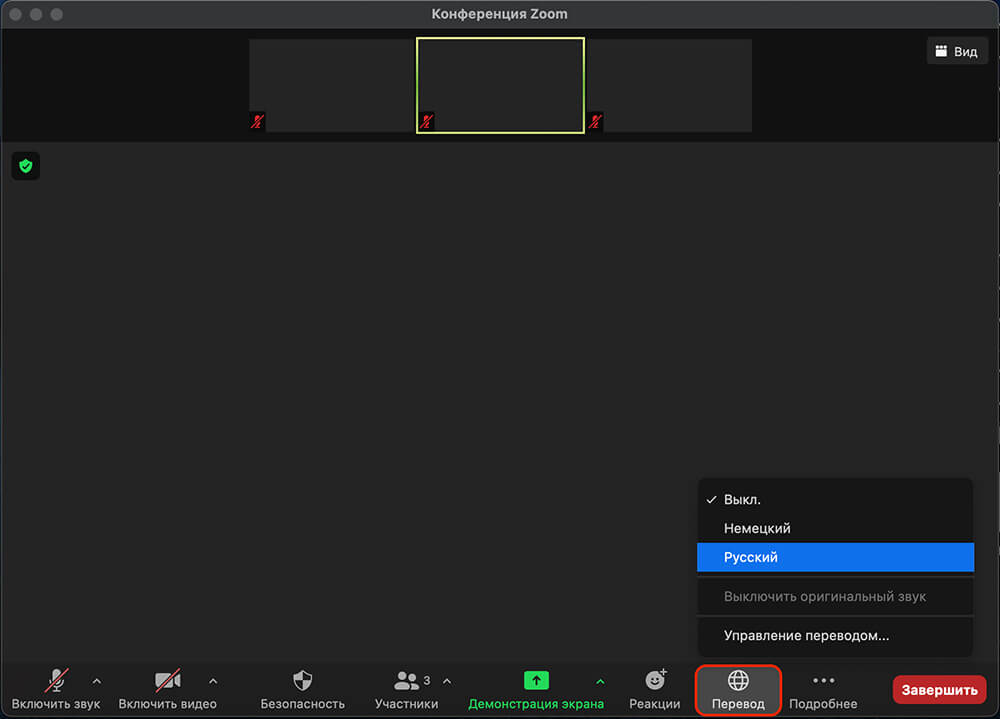
If the conference is planned with the participation of foreign speakers, use the following recommendations: click on the translation button — in the lower zoom settings panel, select your English language «English»
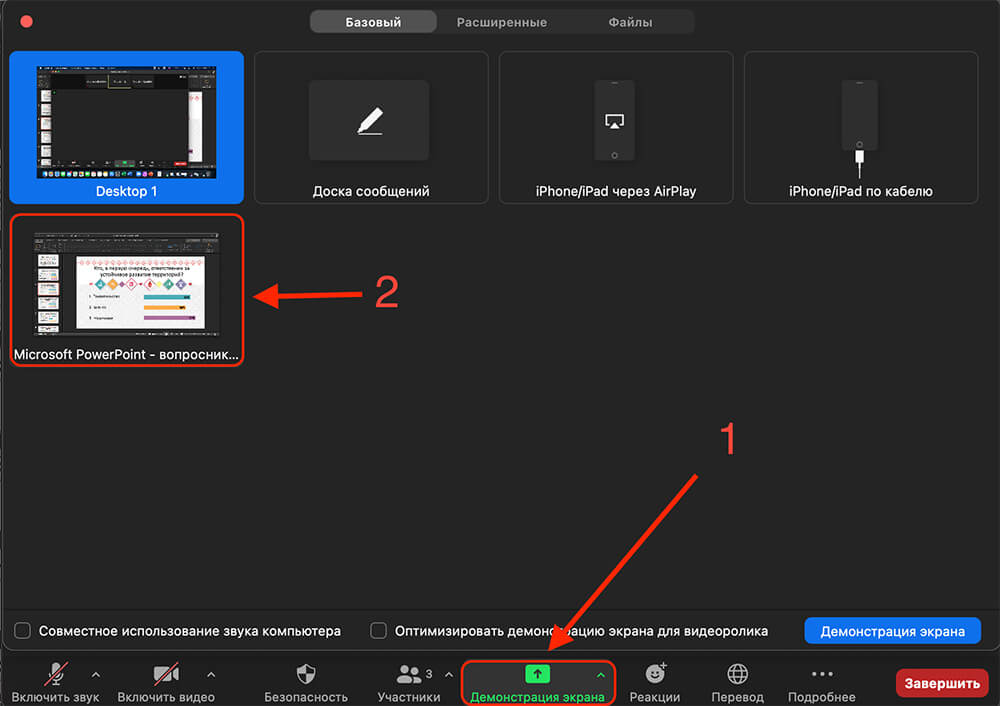
Press the screen demonstration button — on the lower zoom settings panel, then select the desired window «Power Point Presentation»